

Make AI videosfrom one sentence

Pick a style, describe what you want, and get a video with sound. Cirrela runs Wan 3.0, MiniMax H3, Gemini Omni Flash and more, so you never have to choose.

  • 60 free credits
  • No card needed
  • Sound included
  • Videos from 18 credits
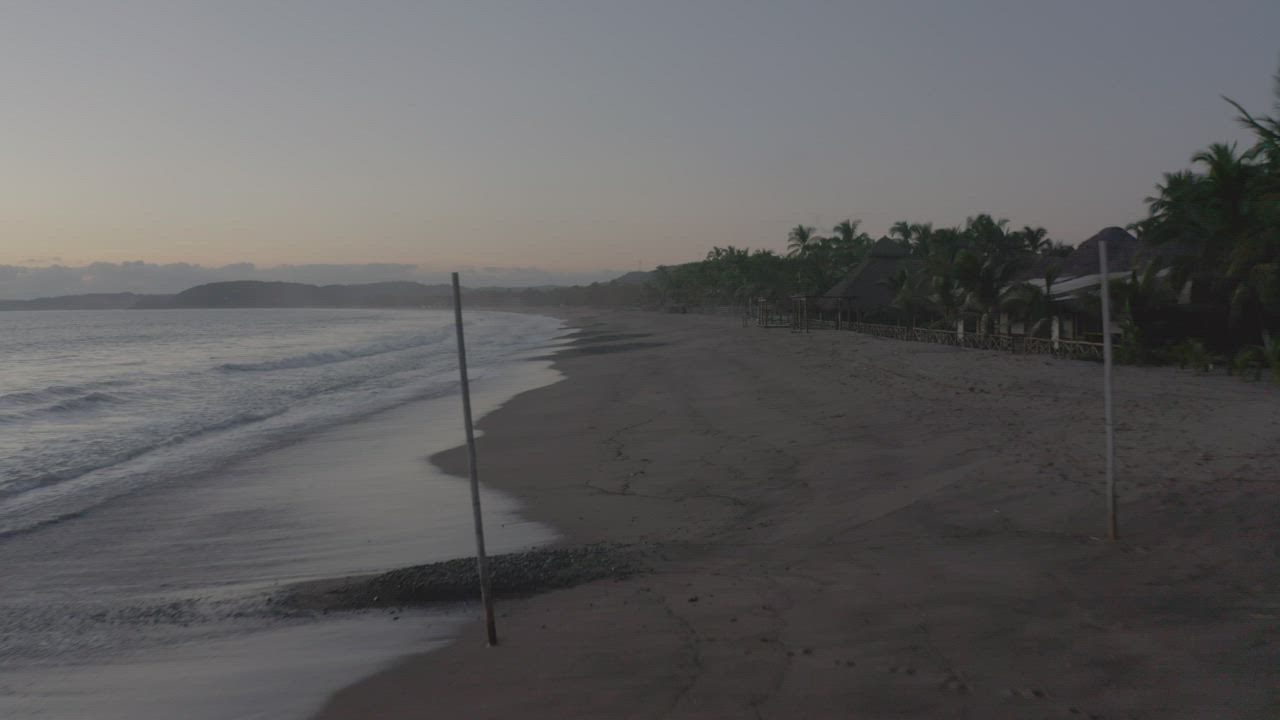
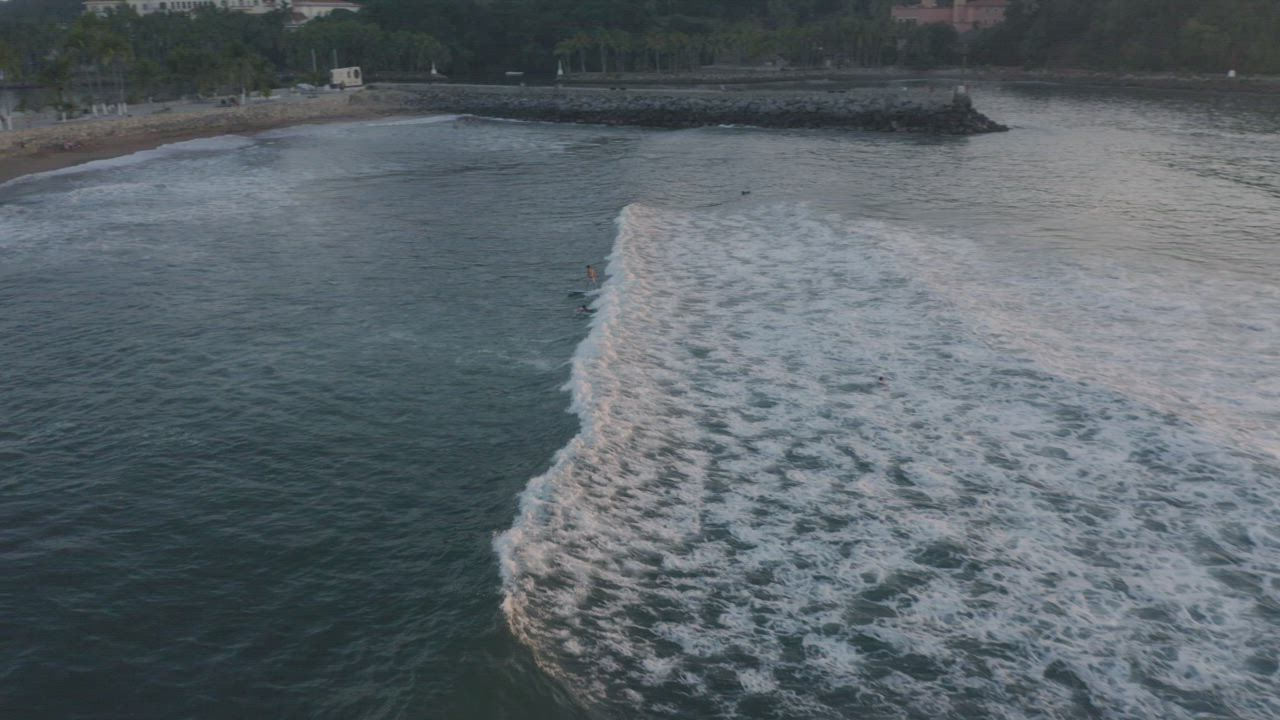
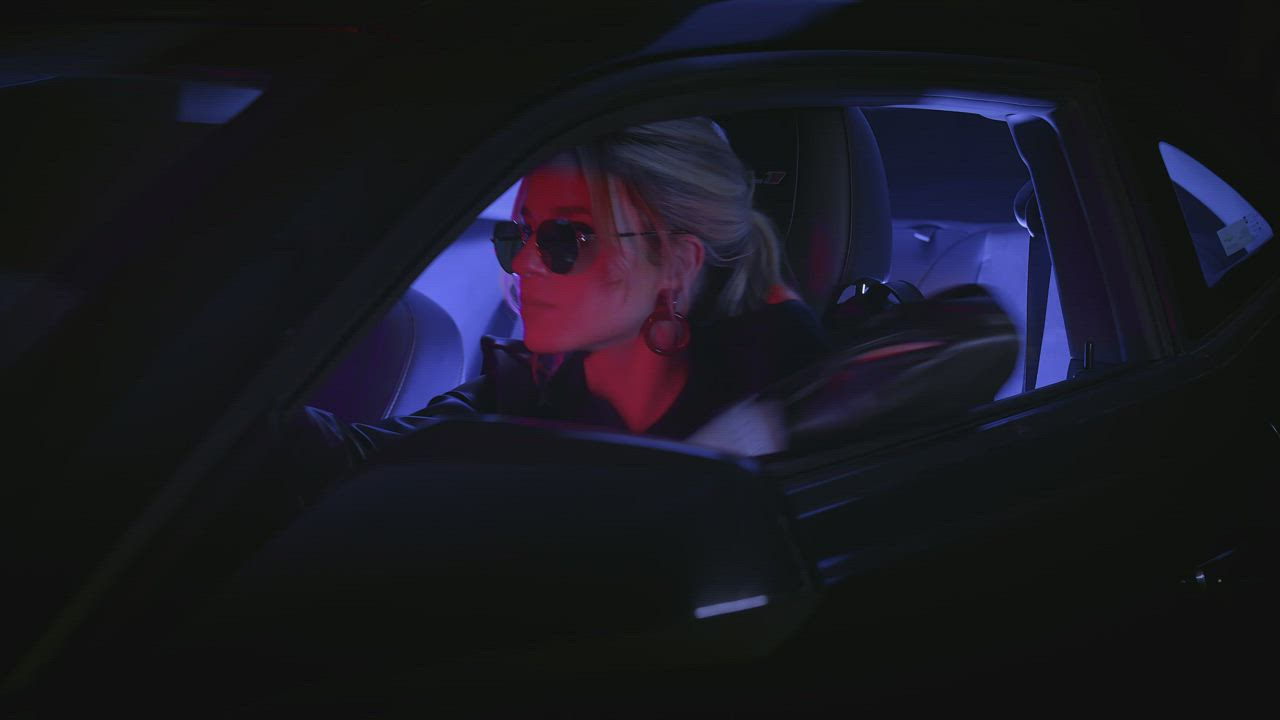
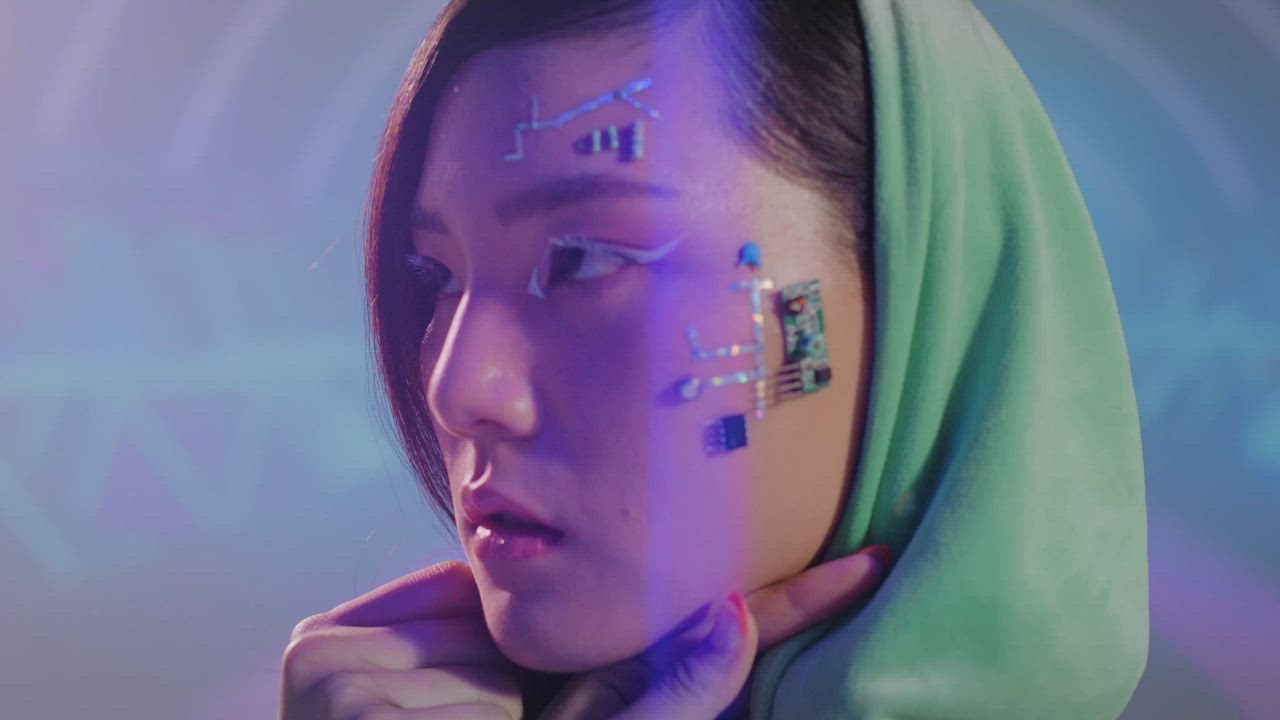
Example clips.

The best AI video models, one credit balance

Cirrela runs the latest models from eight labs. You choose the quality, we pick the model that fits.

  • Gemini Omni FlashGoogle
  • Seedance 2.5ByteDance
  • Wan 3.0Alibaba
  • Kling 3.0 ProKling
  • Grok Imagine 1.5 LitexAI
  • GPT Image 1.5OpenAI
  • MiniMax H3MiniMax
  • FLUX.2 ProBlack Forest Labs

See what one sentence makes

Each style sets the format and the look. You only write what happens.

Example clip

The sentence

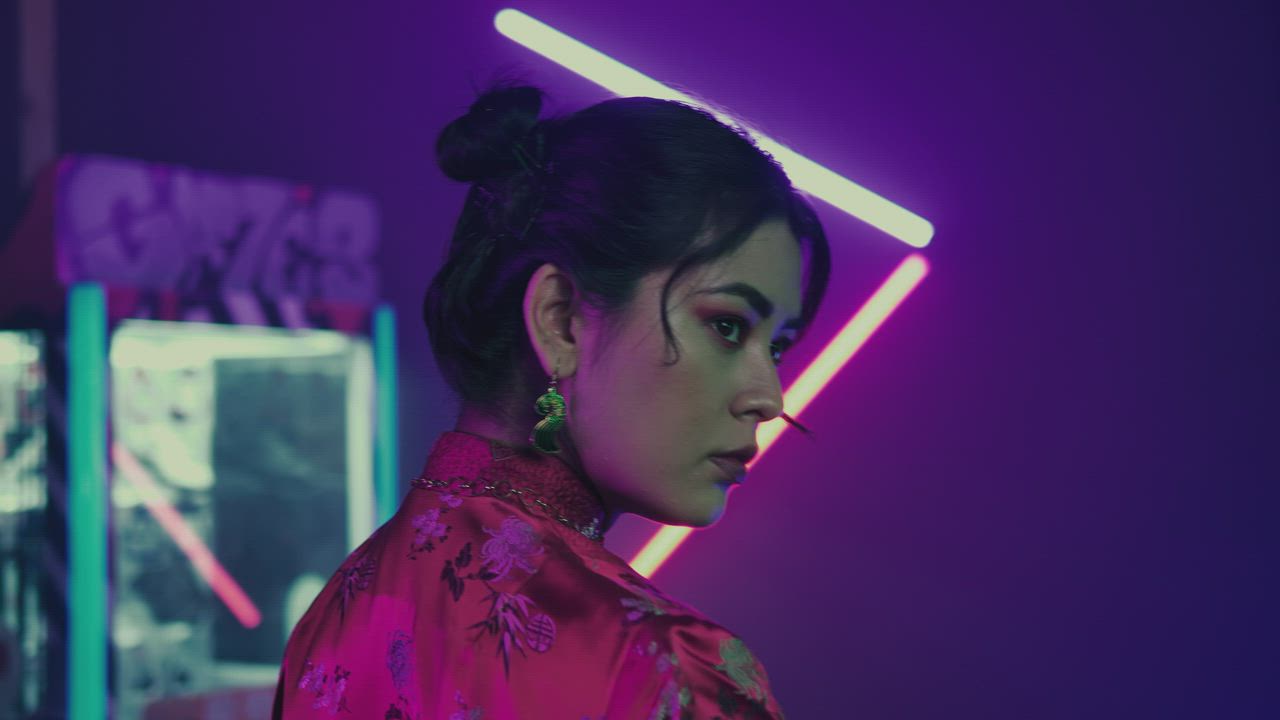
A silhouette facing an endless tunnel of square neon light, slow push-in, haze in the air

Cinema · Wan 3.05 s Sound100 creditsMake one like this

From idea to video in three steps

No editing, no timeline, no model names to learn.

  1. CinematicTikTok / ReelsProduct adAnimate a photoAnimeDrone shot

    Pick a style

    TikTok, product ad, cinematic or anime. The style sets the format and the look.

  2. a lighthouse keeper watching a storm roll in

    ImproveCreate video

    Write one sentence

    Say what happens. Tap Improve and it gets rewritten the way a director would.

  3. Ready
    Download Share

    Get your video

    With sound, usually in a few minutes. We email you when it is ready.

All the power, none of the setup

The hard parts are already decided for you: which model, which settings, what it costs.

Every top model, no model names

Pick Quick, Great or Cinema. Each one runs the model that does that job best today. Prefer Gemini Omni Flash, Kling or Seedance? They are one tap away in More options.

Quick For drafts

18 credits

Runs Grok Imagine 1.5 Lite

Great Best value

30 credits

Runs MiniMax H3

Cinema Most realistic

100 credits

Runs Wan 3.0

The price, before you press Create

Every option shows what it costs in credits, and the button says the total. If a render fails, the credits come back on their own.

Create video · 30 credits

You have 1,150 credits. Failed renders are refunded.

This one didn't render

The model couldn't finish this one.

30 credits refunded Try again

Bring any photo to life

Drop in a photo of a person, a pet, a product or a place, and say what should move. A smile, a turn of the head, wind in the hair.

Your photo
Your video

One idea, every screen, with sound

Wide for YouTube, tall for TikTok and Reels, square for posts. Voices, music and effects are made with the picture.

Try it free
Wide
Tall
Square

Example clips are stock footage, shown to illustrate each feature.

A plan for every idea

Start free with 60 credits and 5 more each day. Paid plans refill every month, and unused credits roll over.

Prices in US dollars, before tax.
  • Free

    For your first videos

    60 credits to start, +5 a day

    • ≈ quick videos with sound
    • ≈ great-quality videos
    • ≈ images

    Your first video is free

    No card needed

    Quality

    • Every style, most models
    • Video up to 768p
    • Images up to 2K

    Speed

    • 1 render at a time
    • 10 Improve rewrites a day

    Perks

    • Not included: Private creations
    • Not included: Commercial use
    • Not included: No watermark
    • Not included: +20% on credit packs
  • Starter

    For a few videos a month

    credits a month

    • ≈ quick videos with sound
    • ≈ great-quality videos
    • ≈ images

    Unused credits roll over

    per month

    Quality

    • Every style and model
    • Video up to 1080p
    • Images up to 2K

    Speed

    • 2 renders at once
    • 100 Improve rewrites a day

    Perks

    • Private creations
    • Commercial use
    • No watermark
    • Not included: +20% on credit packs
  • Pro

    Recommended

    For creators who post every week

    credits a month

    • ≈ quick videos with sound
    • ≈ great-quality videos
    • ≈ images

    Unused credits roll over

    per month

    From $0.31 per video, billed yearly

    Quality

    • Every style and model
    • Video up to 4K
    • Images up to 4K

    Speed

    • 4 renders at once
    • 100 Improve rewrites a day

    Perks

    • Private creations
    • Commercial use
    • No watermark
    • +20% on credit packs
  • Studio

    Best value

    For agencies and daily production

    credits a month

    • ≈ quick videos with sound
    • ≈ great-quality videos
    • ≈ images

    Unused credits roll over

    per month

    Quality

    • Every style and model
    • Video up to 4K
    • Images up to 4K

    Speed

    • 8 renders at once
    • 300 Improve rewrites a day

    Perks

    • Private creations
    • Commercial use
    • No watermark
    • +20% on credit packs

Need more now and then? One-time packs: 250 for $7, 800 for $20 or 2,500 for $55. They never expire, and Pro and Studio get 20% more. Packs add credits; plans remove the mark. Start free

Failed renders are refunded · Cancel any time · Secure checkout by Stripe

Questions, answered

I've never used AI. Is this for me?

Yes, that's who we built it for. Pick a style, write one sentence the way you'd text a friend, and press Create. If you're stuck, tap Improve and we rewrite your idea like a film director would.

What do Quick, Great and Cinema mean?

They're quality levels. Quick is the cheapest and fastest, good for trying ideas. Great is the best value. Cinema is the most realistic. All three make videos with sound, and each one runs a model we picked for it, so you never have to compare models yourself.

Which AI models do you use?

For video: Grok Imagine 1.5 Lite by xAI, MiniMax H3 and Hailuo 2.3 Pro by MiniMax, Wan 3.0 and Wan 2.7 by Alibaba, Gemini Omni Flash by Google, Seedance 2.5 and Seedance 2.0 Fast by ByteDance and Kling 3.0 Pro by Kuaishou. For images: Nano Banana Pro, Seedream 4.5, FLUX.2 Pro and GPT Image 1.5.

How long does a video take?

Usually a few minutes, and Quick is the fastest. You can close the tab while it renders: we email you when it's ready.

How do credits work?

You see the exact price on the Create button before you click. A short video costs 18 to 100 credits depending on quality, an image 4 to 15. If a render fails, the credits go back to your balance automatically.

What do I get for free?

60 credits when you sign up, enough for 3 quick videos with sound, and 5 more each day you come back while your balance is low. No card needed.

Can I use the videos commercially?

Yes, on any paid plan. Use them in ads, posts and client work, within each model provider's usage policy.

Are my creations private?

On paid plans they're private by default. On the free plan they appear in the public examples feed, and you can delete any of them at any time.

Can I cancel anytime?

Yes. Open Plan and credits and click Cancel subscription, then confirm. Your plan runs to the end of the period you paid for, and you keep every credit you already have, and credit packs never expire.

Your first film is one sentence away

Start with 60 free credits.
No card needed.